How to Synchronize the Polygon with Your Experiments



Published on 2025/09/24
Neuroscientists often use a combination of different techniques in their experiments. This requires synchronization of several devices such as optogenetics light sources, calcium imaging systems, and behavioral monitoring apparatus to capture the full picture of neural activity and its relationship to behavior. This synchronization is crucial for data analysis to understand how different brain regions contribute to processes like learning, memory, and motor control and establishing a causal relationship between neural activity and behavior.
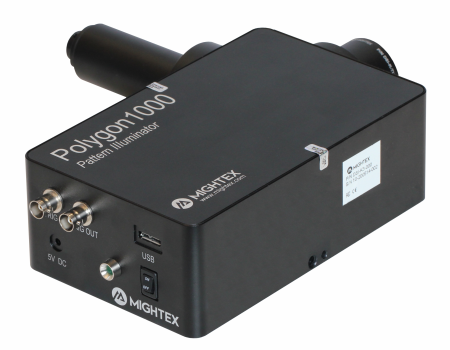
Our Polygon DMD for targeted optogenetic stimulation can easily be synchronized with other devices using the Trigger In and Trigger Out ports available at the back of the Polygon. When used in the External Trigger Mode, the user can simply upload pre-designed patterns onto the Polygon and use an external trigger to switch from one pattern to the next. This external trigger should be connected to the Trigger In port of the Polygon. Once data acquisition starts, each new TTL pulse that is detected from the Trigger In port will trigger the Polygon to project the next pattern in the uploaded sequence.
As described in our previous blogpost, with Mightex’s PolyEcho I/O control module, users can simultaneously trigger the Polygon and other devices like LEDs with a single incoming trigger. With the PolyScan software, each incoming trigger can be used to program trigger-specific events. Eg. one can selectively trigger red and green LEDs to project specific patterns over different neuronal subpopulations using the Polygon.
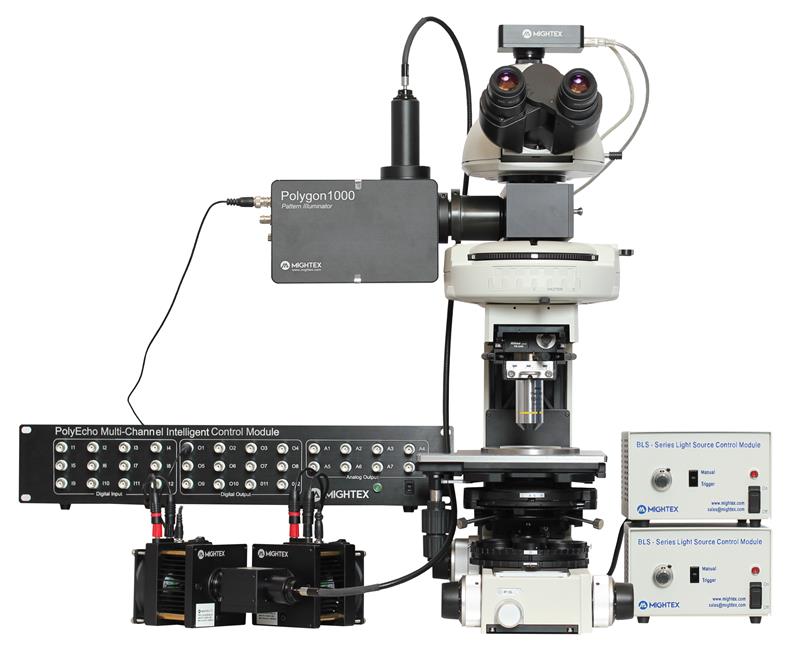
In all, there are different ways to control the Polygon and synchronize pattern projection either directly through the trigger ports or using the PolyScan software along with the PolyEcho I/O control module. To learn more about the optimal way to use your Polygon DMD, find our support tutorials here or reach out to our customer support team here .
Megha Patwa, PhD Applications Specialist at Mightex